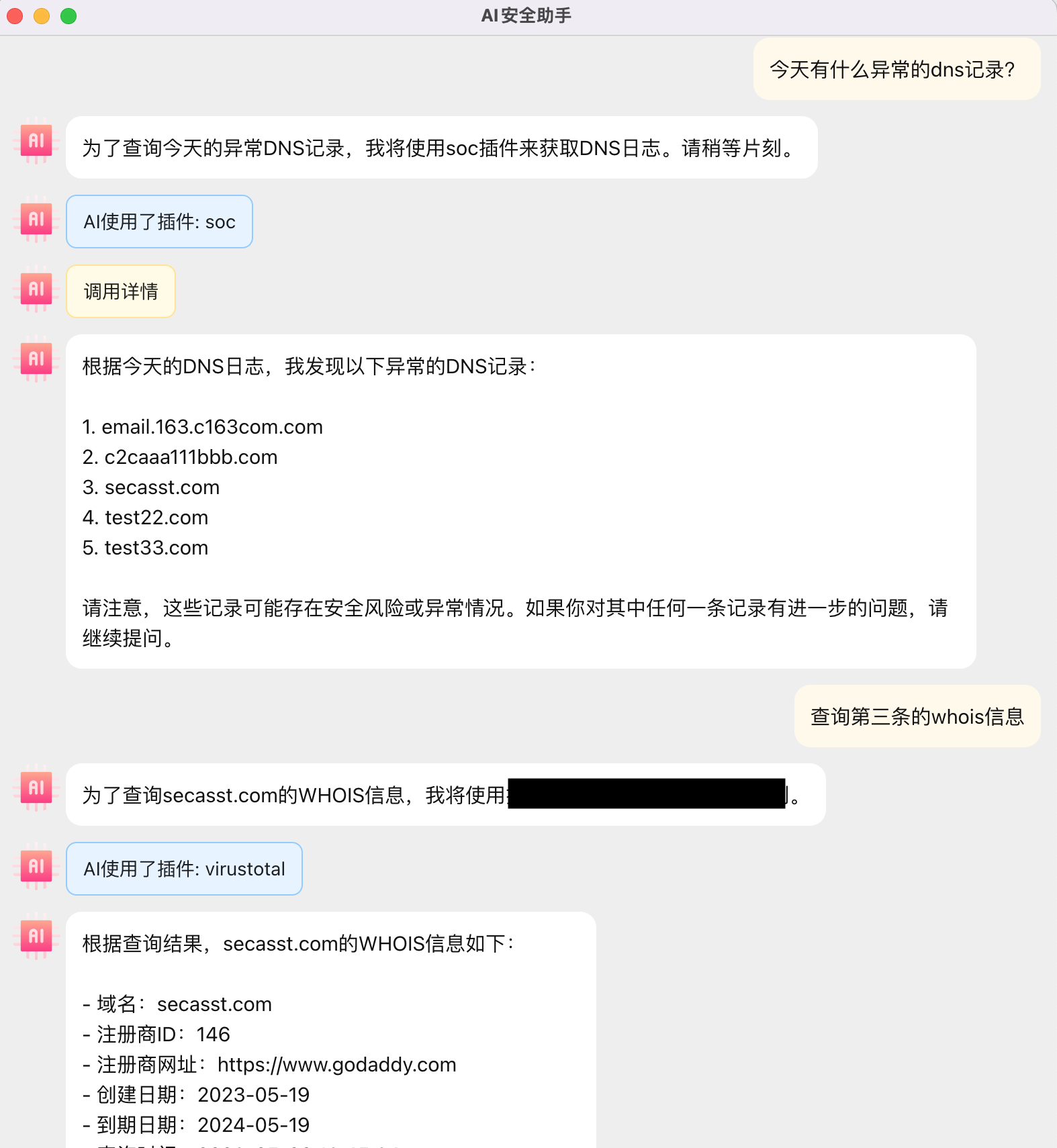
# Client
{% hint style="success" %}
Clients have local plug-in capabilities, and the storage and operation of plug-in codes are all completed in the local environment.
{% endhint %}
## Download
Download and install on the official website homepage, currently only supports Mac.
## Usage
### Environment initialization
#### 1、Token configuration
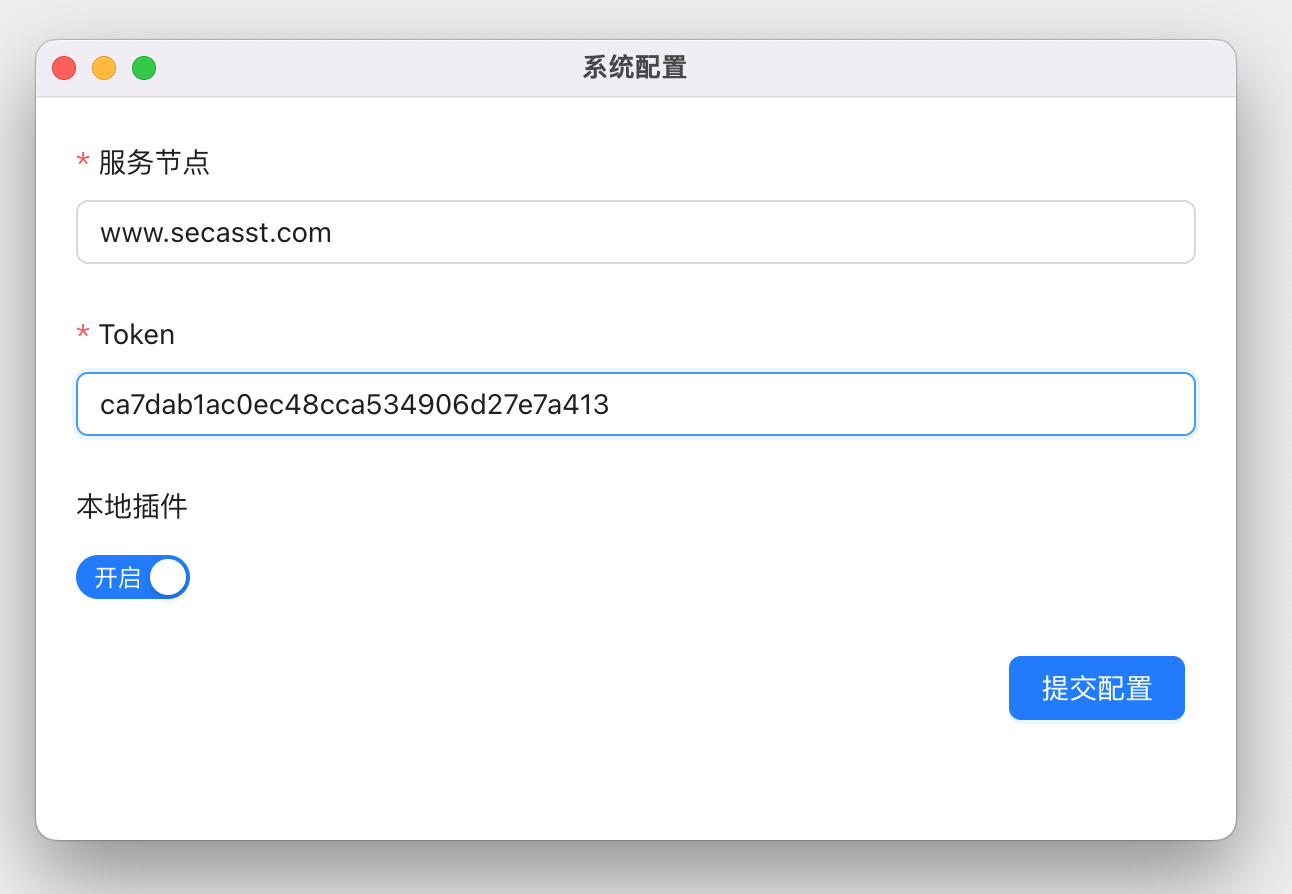
Go to Personal Center to view the Token and fill it into the system configuration of the client.
#### 2、Install dependent environment
Since the plug-in runs locally, you need to make sure that your device has Python3 and Docker environment
{% tabs %}
{% tab title="Python3" %}
Version:`3.7-3.11`
Download:
brew Install:`brew install python@3.10.11`
{% endtab %}
{% tab title="Docker" %}
Most of the official plugins need to use Docker environment. If you only need to run your own plugins without including official plugins, you don't need to install it. Version range: untested, it is recommended to download the latest version
Download:
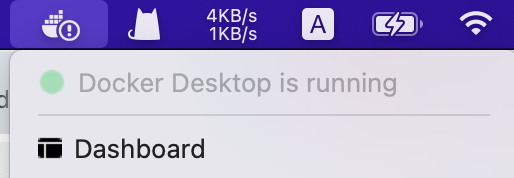
After installation, make sure Docker is running
{% endtab %}
{% endtabs %}
#### 3、Pull the basic tool image
After installing Docker, you also need to pull the basic toolset image, execute the following command
```sh
docker search 'secasst/' --format '{{.Name}}'|xargs -L1 docker pull
```
#### 4、Synchronize official plug-ins
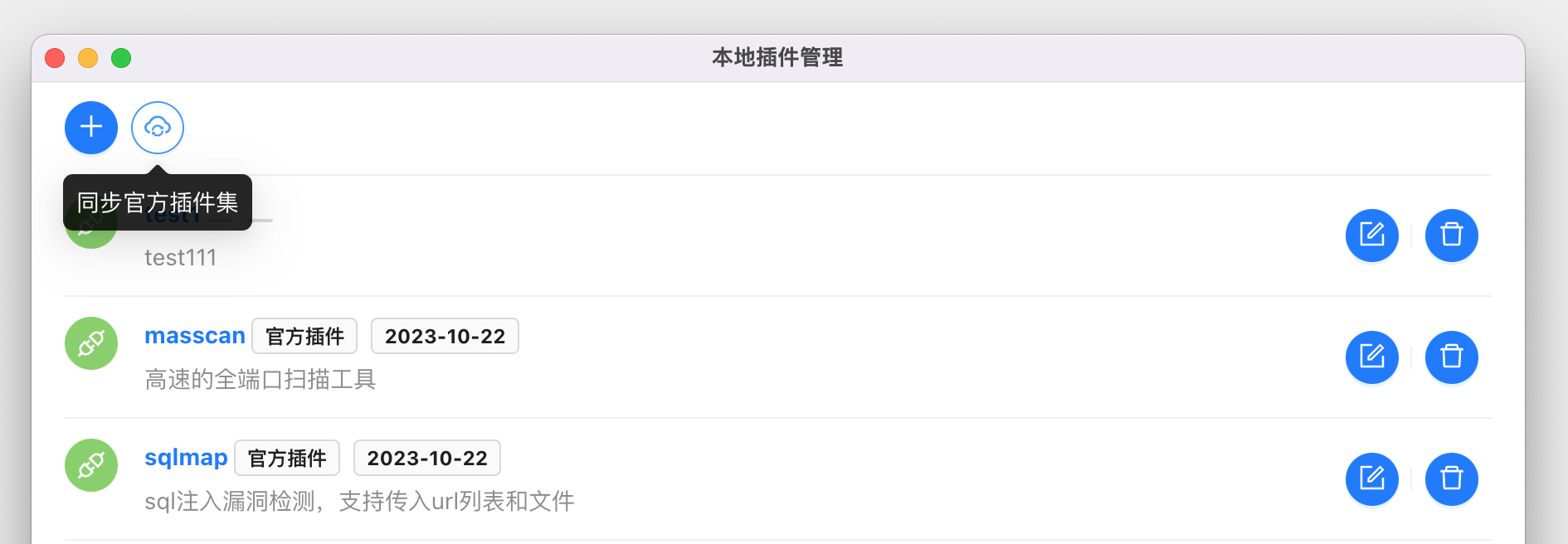
If you want to use local plug-in capabilities, you can go to the Local plug-in interface, click the Synchronize plug-in set button to pull the plug-in from the cloud to the local.
### Usage scenarios
#### 1、Detect targets in the LAN
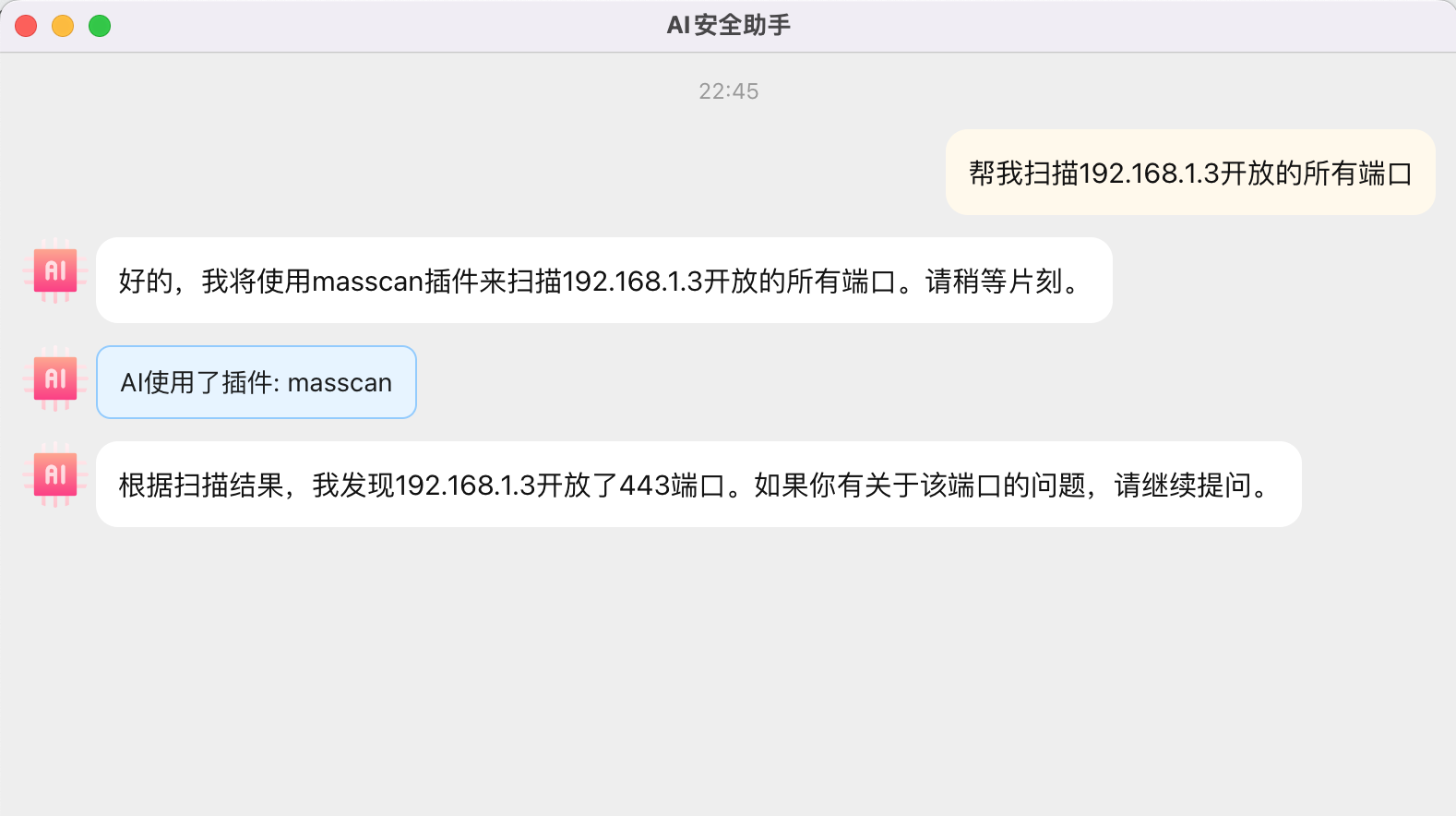
For example, scanning the IP of the LAN, only the client can achieve this
#### 2、Connect to internal applications
Connect to related internal applications, such as IT systems/security systems/log systems
### Plug-in development
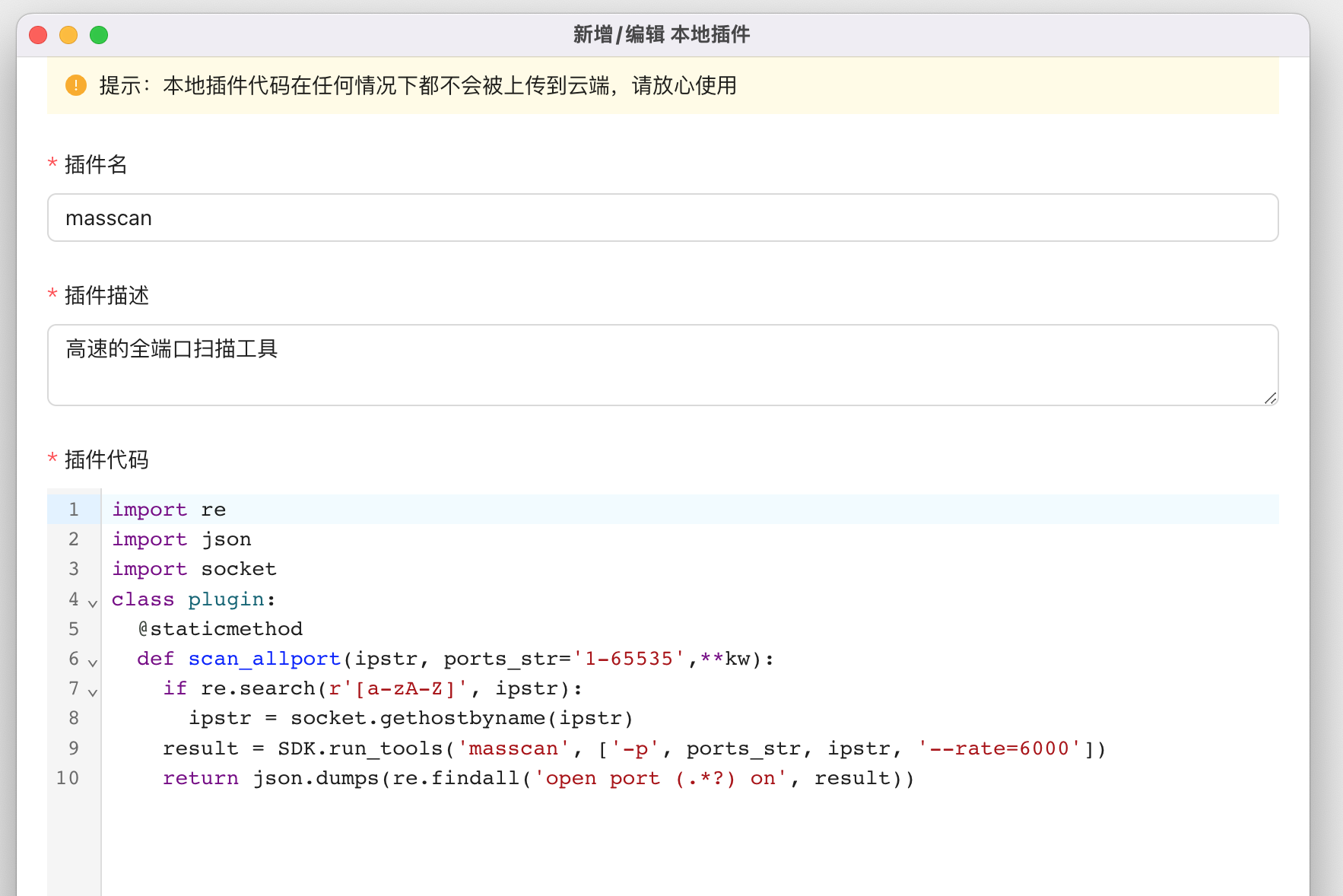
Taking the masscan plug-in as an example, the plug-in consists of the plug-in name, plug-in description, and plug-in code. The plug-in name and description can be defined according to the actual situation.
More details about plug-in development can be found in [custom-plugins](https://en.help.secasst.com/expand-customize/custom-plugins "mention")